The legacy free Alcatraz console will be shut down on September 1, 2026. From that date, the old console will no longer be available.
The service helped inext partners manage set-top boxes for many years, but its technology and interface have reached the end of their useful life. Continuing to operate two generations of the platform would hold back security, reliability, and product development. The legacy console is therefore reaching its end of service.
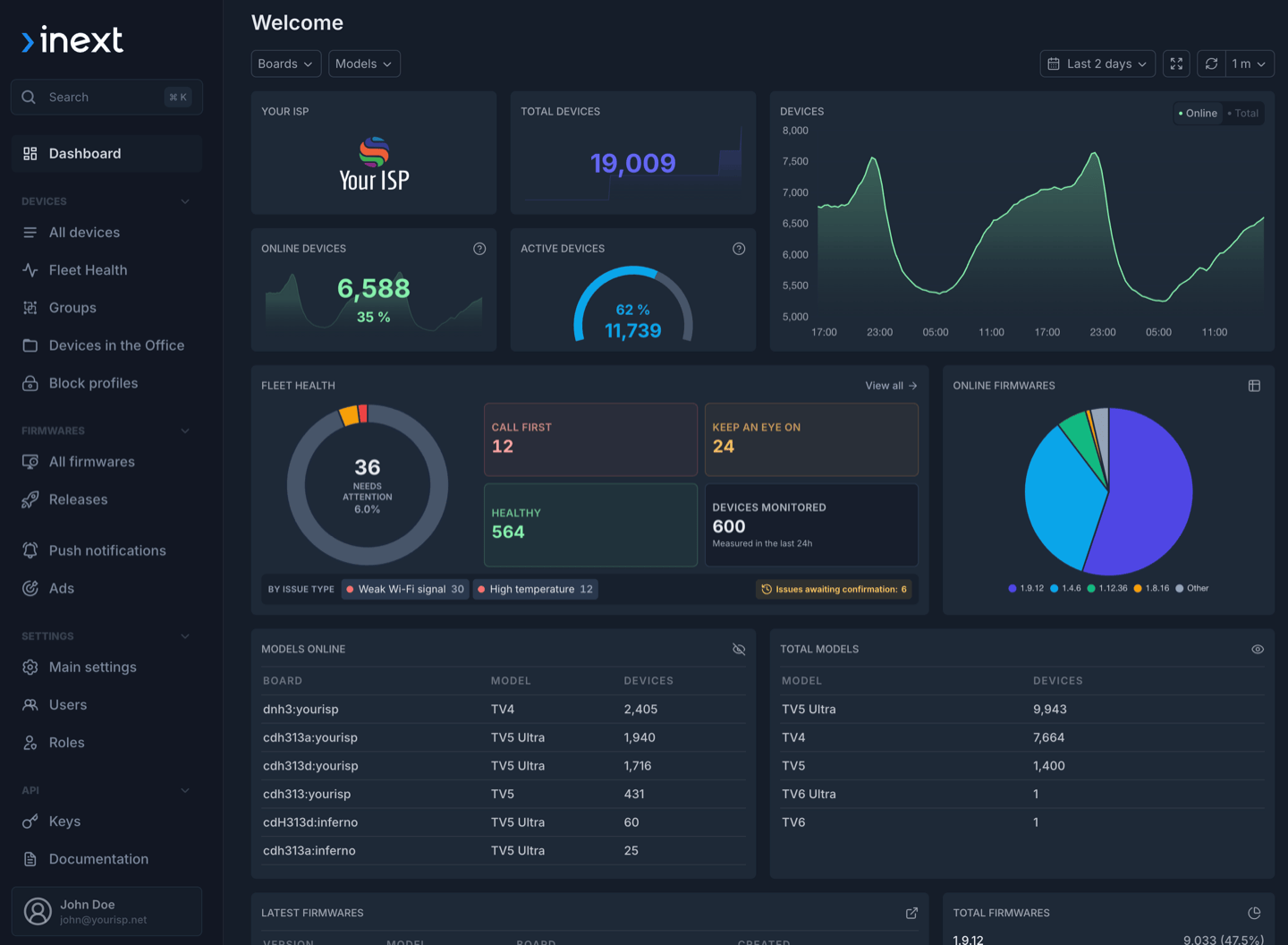
Active users are invited to move to Alcatraz Pro, inext's current device-management platform for monitoring, updating, diagnosing, and remotely supporting deployed set-top boxes.
Before September 1: organizations still using the legacy console should request Alcatraz Pro so the inext team can help with setup before the old service closes.
One current platform for day-to-day fleet operations
Alcatraz Pro is more than a new name for the old console. It is the actively developed platform for modern STB fleet operations, available as a cloud service or an on-premises deployment.
The legacy console focuses on essential device oversight. Teams can search and filter STBs, check their model, identifiers, firmware, last IP address, and last-seen status, apply Block and Net-lock controls, and configure the message shown on a blocked device. Alcatraz Pro retains these familiar workflows and extends them into a broader operational platform.
Beyond inventory and device protection, the current console adds:
- Fleet Health prioritizes devices affected by weak Wi-Fi or high-temperature conditions and preserves issue history.
- Device activity and audit history place commands, device changes, private notes, campaigns, notifications, and OTA events in one timeline.
- Firmware management supports phased rollouts, release statistics, device exclusions, and collaboration around builds and releases.
- Remote support and diagnostics include device commands, screenshots, virtual remote control, MTR route tracing, and iPerf3 testing.
- Subscriber communication supports targeted launcher banners, notifications, and campaigns with calls to action.
- Secure integrations include self-service API keys, configurable access restrictions, external device IDs, REST, MQTT, and existing TR-069/CWMP workflows.
For a closer look at the latest interface and operational features, see Fleet Health, Device History, and Secure API Access.
How to get Alcatraz Pro
The request takes only a few steps:
- Open the Get Alcatraz Pro form and send the company contact details.
- Select the demo option if the team would like a walkthrough before setup.
- The inext team will confirm the company details, create the account, and help the team get started.
Alcatraz Pro is included at no extra cost while a partner's fleet has fewer than 500 active inext devices. This includes the complete console, not a reduced feature set. For fleets with 500 active devices or more, access and commercial terms are agreed directly with inext.
Submitting the request before the shutdown date gives the inext team time to assist with onboarding and helps reduce disruption when legacy access ends.
Further reading
- Get Alcatraz Pro — request an account or ask for a demo.
- Explore Alcatraz DMS — review features, deployment options, and access conditions.
- Alcatraz Pro Adds MTR Diagnostics — see how remote route tracing supports network troubleshooting from a subscriber's STB.