A remote that just works
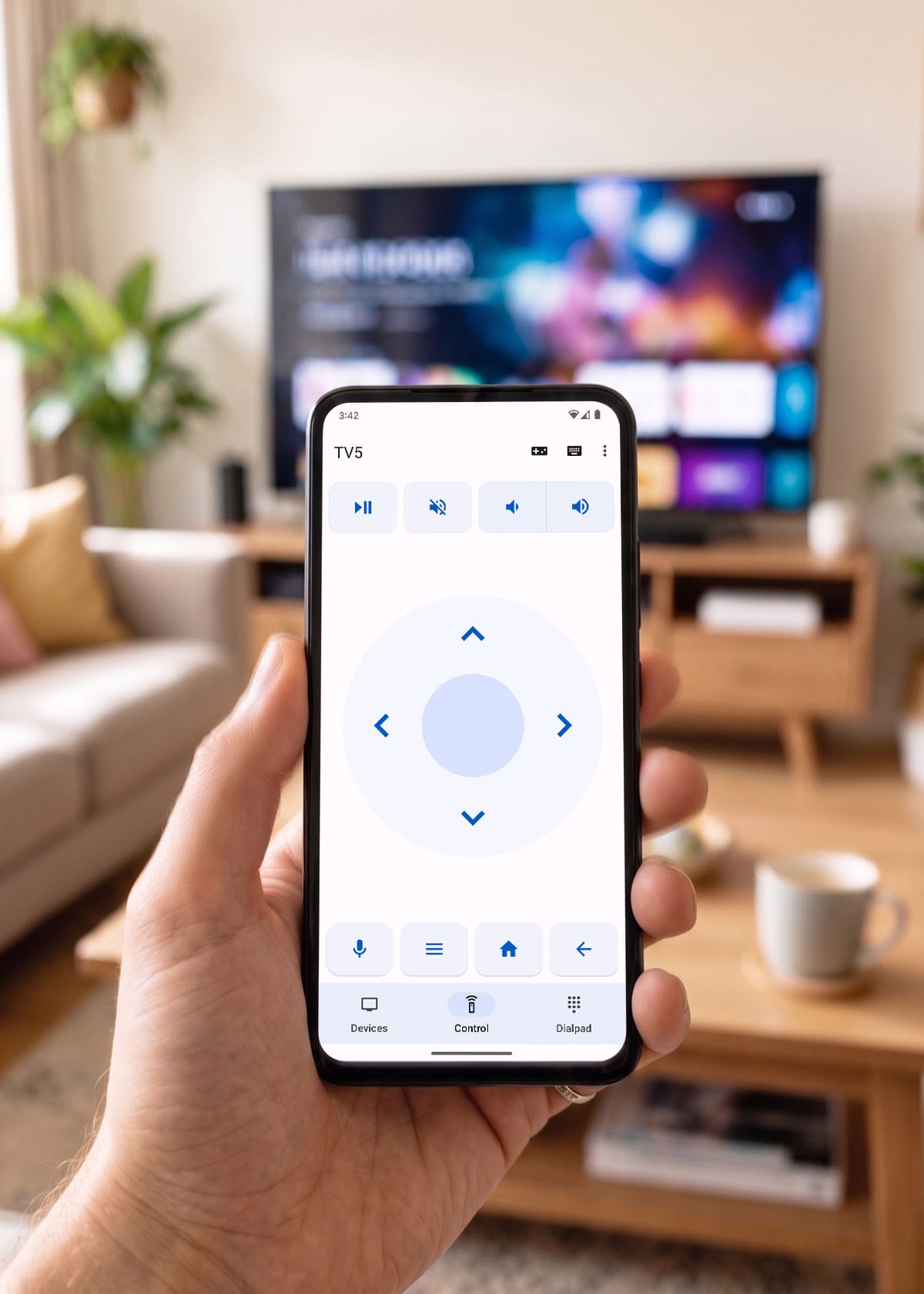
Navigate, play, pause and adjust volume with all the TV controls you already know — right from your phone.

inext Remote turns your phone into a full remote for your inext TV box — type fast, search by voice, hop between rooms, play games, swipe to navigate, and pick a light or dark look.


See it in action
A quick tour of everything the app can do — remote, keyboard, voice, rooms, gamepad and themes.
Why you'll love it
Your everyday TV controls stay close, plus the things a plastic remote can't do: easy typing, quick search, multiple rooms and casual games.
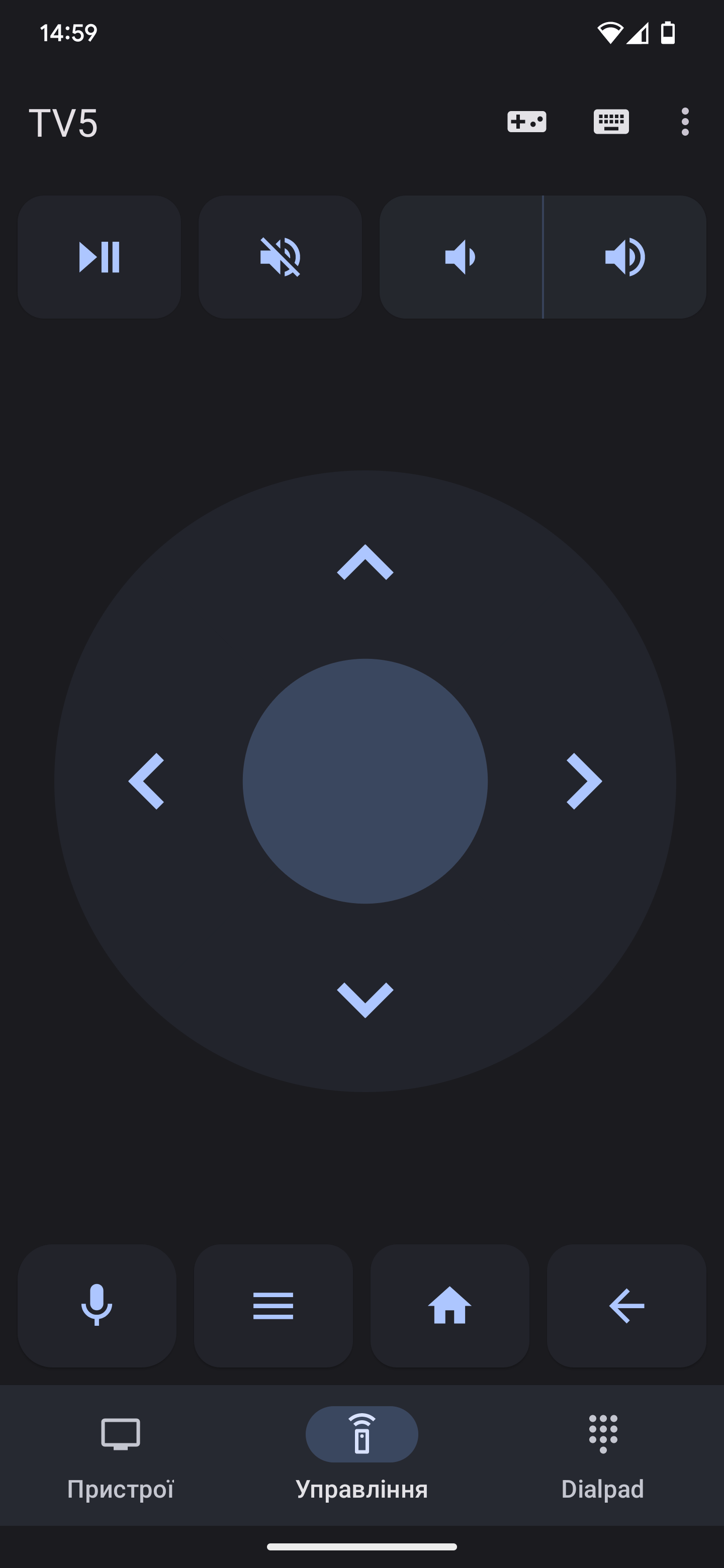
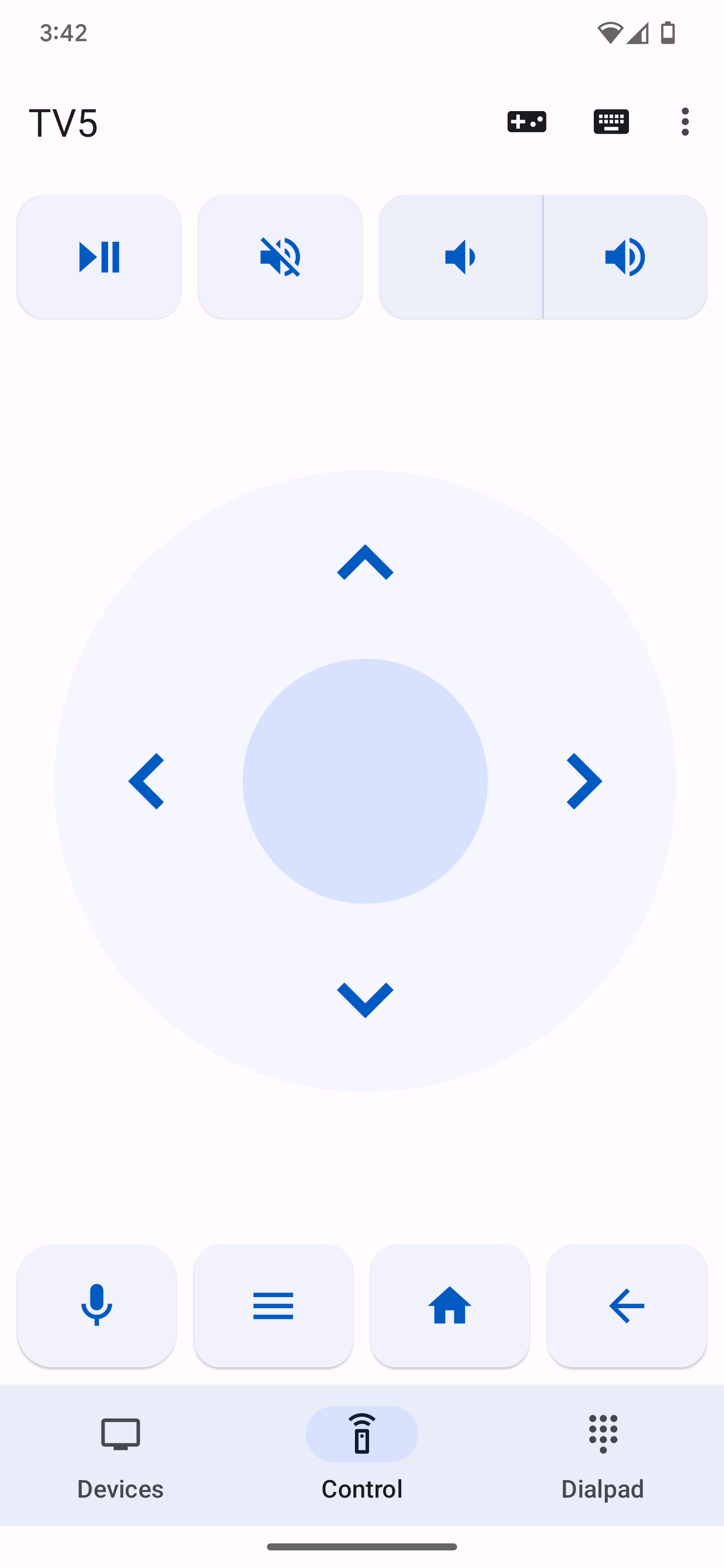
Navigate, play, pause and adjust volume with all the TV controls you already know — right from your phone.
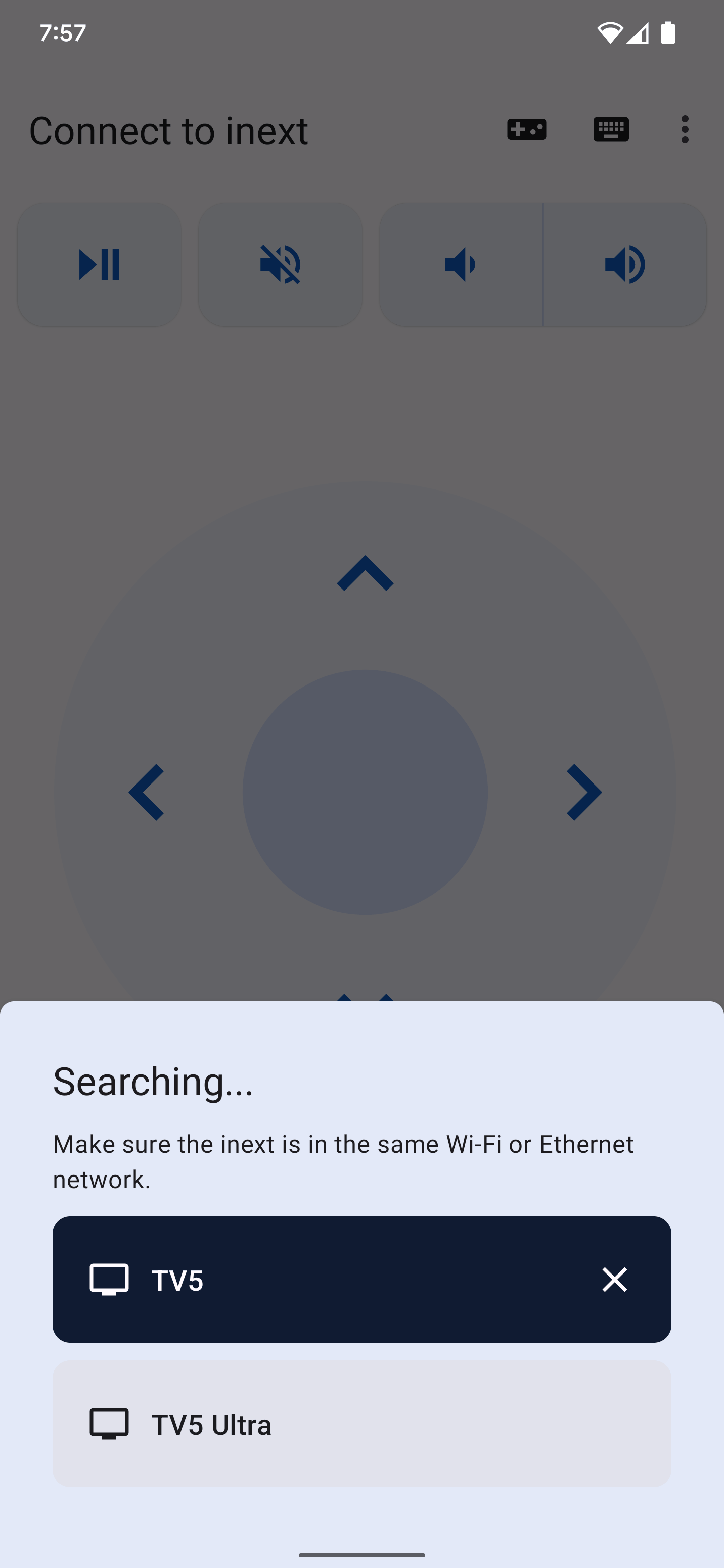
Jump between your inext devices in seconds when you have more than one screen at home.
Use voice search or the mobile keyboard to find content faster than with a physical remote.
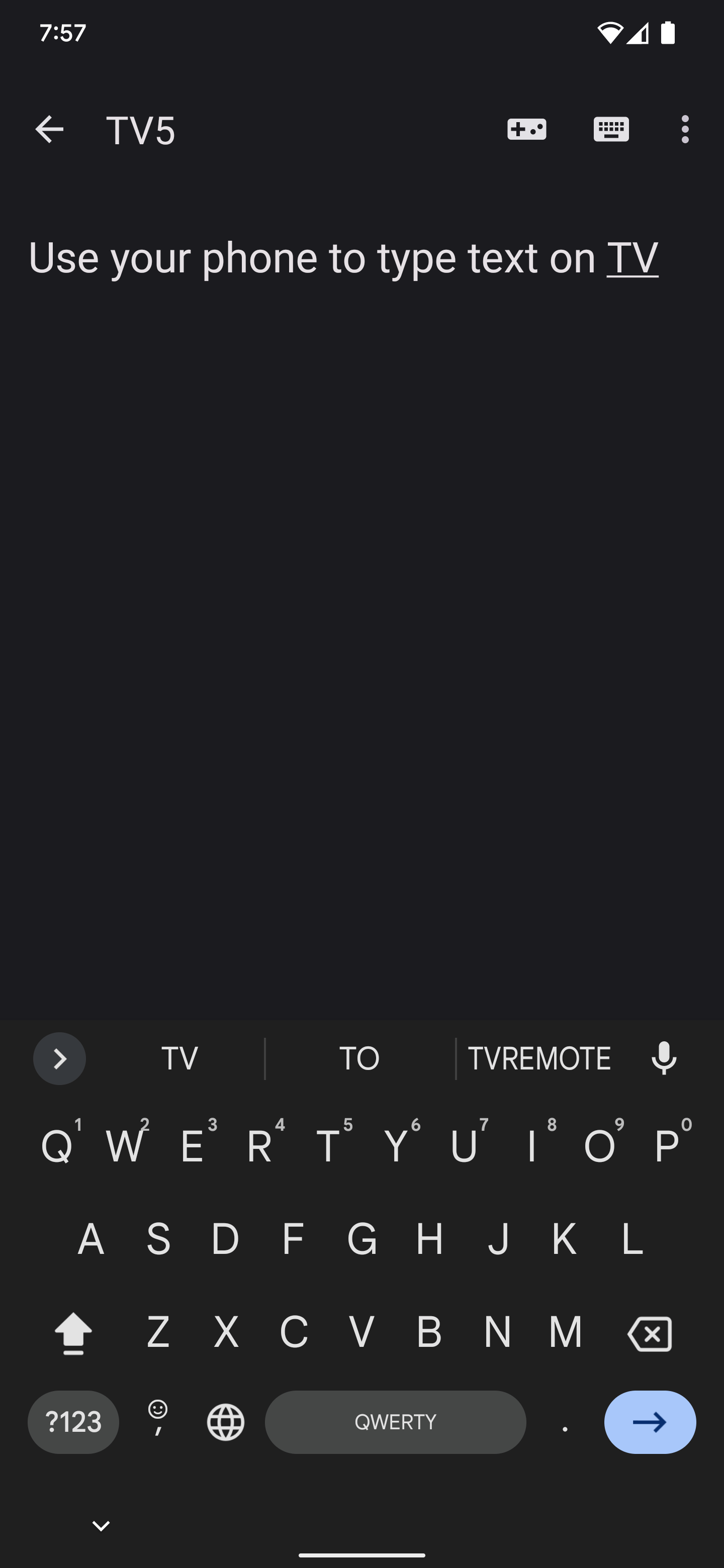
Enter logins, search queries and app text on the phone keyboard instead of clicking letter by letter.
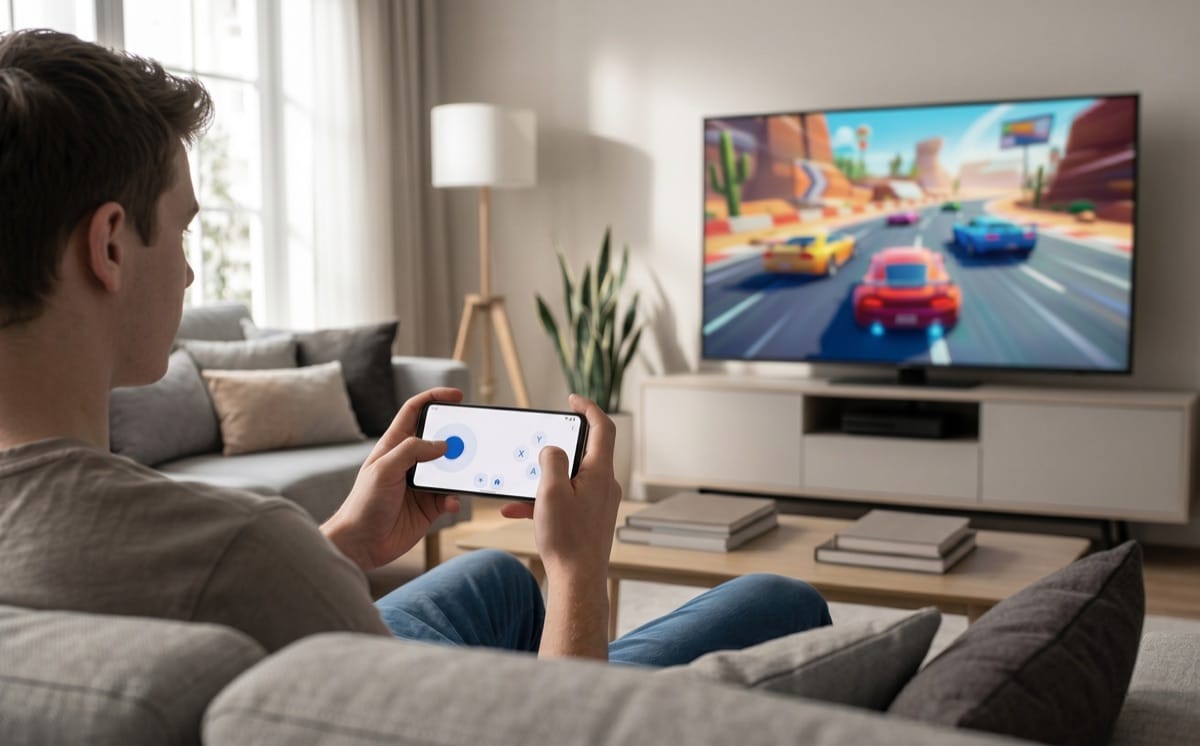
Turn the phone into a simple game controller for games and interactive TV experiences.
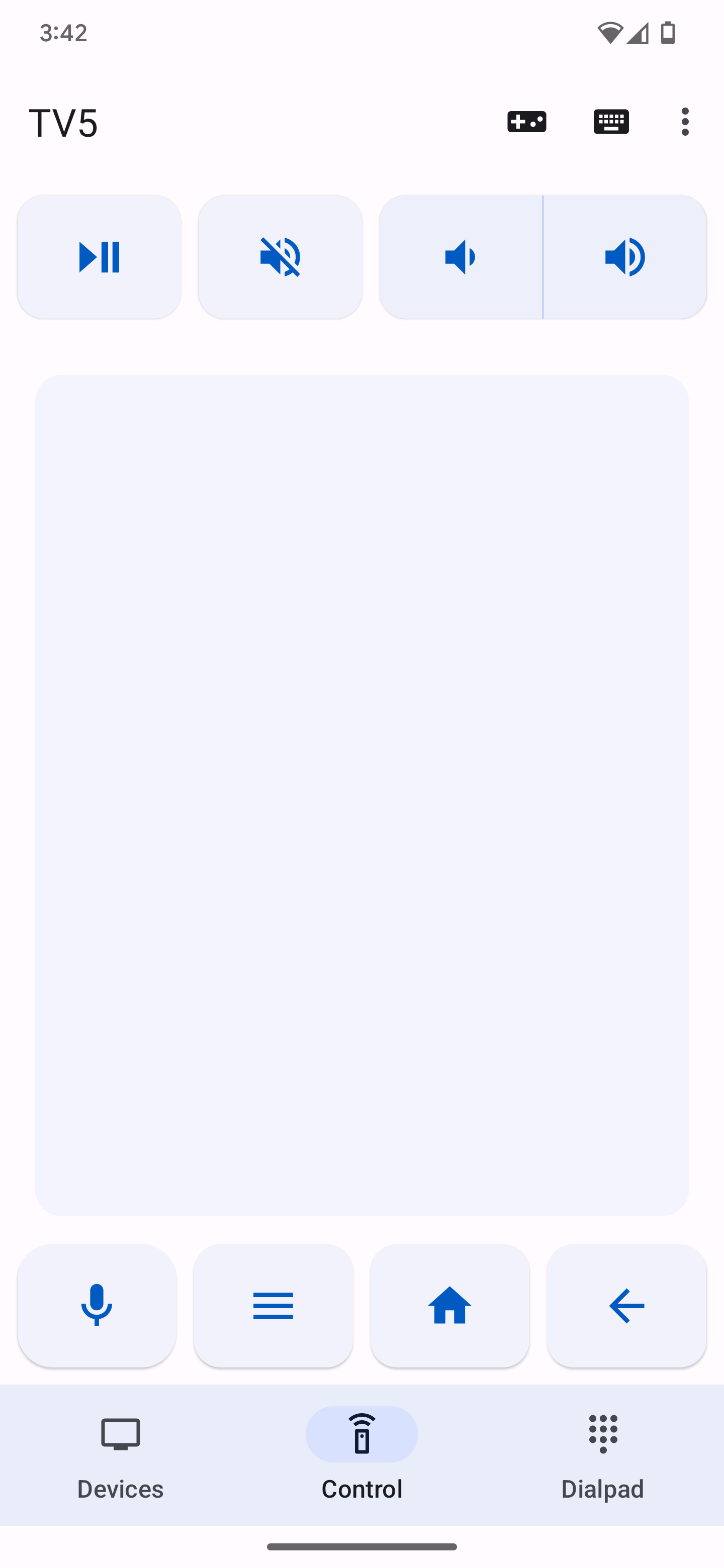
Use classic directional buttons or switch to swipe and gesture control when that feels faster.
Control modes
Stay in the familiar D-pad layout for TV, switch to gestures for faster browsing, open the keyboard to search, or rotate your phone into gamepad mode.
Screenshots
Browse the main remote, devices, dialpad, keyboard, gamepad and theme screens from the mobile app.
Appearance
Light and dark themes both look great — perfect for daytime, late-night viewing, or matching your phone.
Clean controls for daytime use and bright rooms.
Reduced glare for late-night viewing.
Download free
Download the free app from Google Play or the App Store and pair it with your inext TV box in seconds.