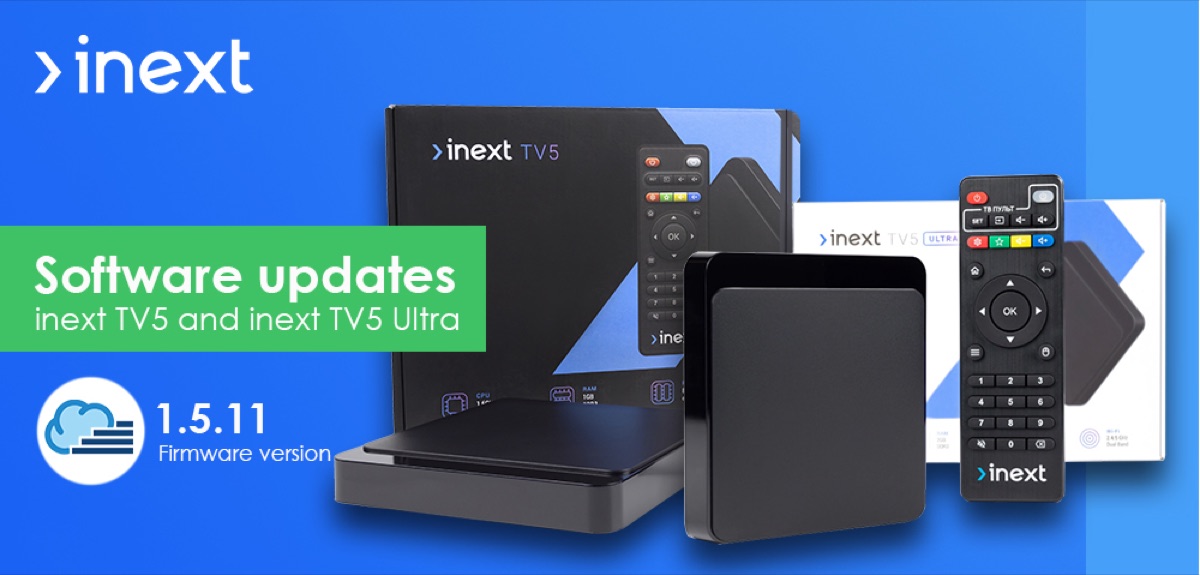
Firmware updated on the popular inext TV5 and inext TV5 Ultra set-top boxes
A firmware update has been released for the following set-top boxes: inext TV5 and inext TV5 Ultra (June 3, 2022). The update is automatic — it only requires internet access and confirmation in the menu.
Important! We recommend updating inext software online automatically. An R&D team works on each update to fix critical bugs and improve set-top box performance.
Earlier we wrote about firmware updates for inext TV3, inext 4K, inext 4K2, inext 4K Ultra and inext TV4 from 07.07.2020.
- Date: 03.06.2022
- Update time: 5–15 minutes
- Size: 591 MB
inext model line with the available software update
- inext TV5 (product code: 096722) — firmware 1.5.11 — romsat.ua/mediaplayer-inext-tv5
- inext TV5 Ultra (product code: 096730) — firmware 1.5.11 — romsat.ua/mediaplayer-inext-tv5-ultra
Current firmware versions for inext media players
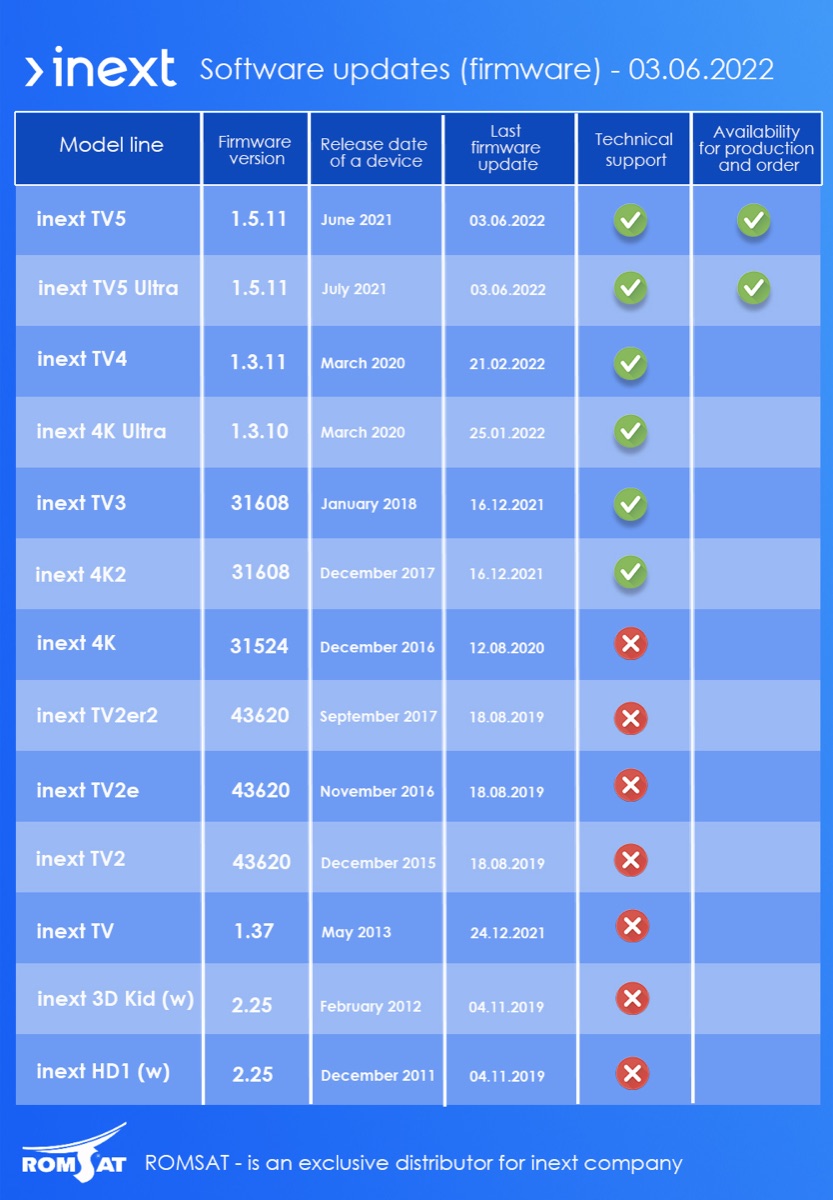
| Model line | Firmware version | Release date | Last firmware update | Technical support | Available for production and order |
|---|---|---|---|---|---|
| inext TV5 | 1.5.11 | June 2021 | 03.06.2022 | ✓ | ✓ |
| inext TV5 Ultra | 1.5.11 | June 2021 | 03.06.2022 | ✓ | ✓ |
| inext TV4 | 1.3.11 | March 2020 | 21.02.2022 | ✓ | |
| inext 4K Ultra | 1.3.10 | March 2020 | 25.01.2022 | ✓ | |
| inext TV3 | 31608 | January 2018 | 16.12.2021 | ✓ | |
| inext 4K2 | 31608 | January 2018 | 16.12.2021 | ✓ | |
| inext 4K | 31524 | December 2016 | 12.08.2020 | ✗ | |
| inext TV2er2 | 43620 | September 2017 | 18.08.2019 | ✗ | |
| inext TV2e | 43620 | November 2016 | 18.08.2019 | ✗ | |
| inext TV2 | 43620 | December 2015 | 18.08.2019 | ✗ | |
| inext TV | 1.37 | May 2013 | 24.12.2021 | ✗ | |
| inext 3D Kid (w) | 2.25 | February 2012 | 04.11.2019 | ✗ | |
| inext HD1 (w) | 2.25 | February 2012 | 04.11.2019 | ✗ |
How to update inext firmware — step-by-step tutorial
-
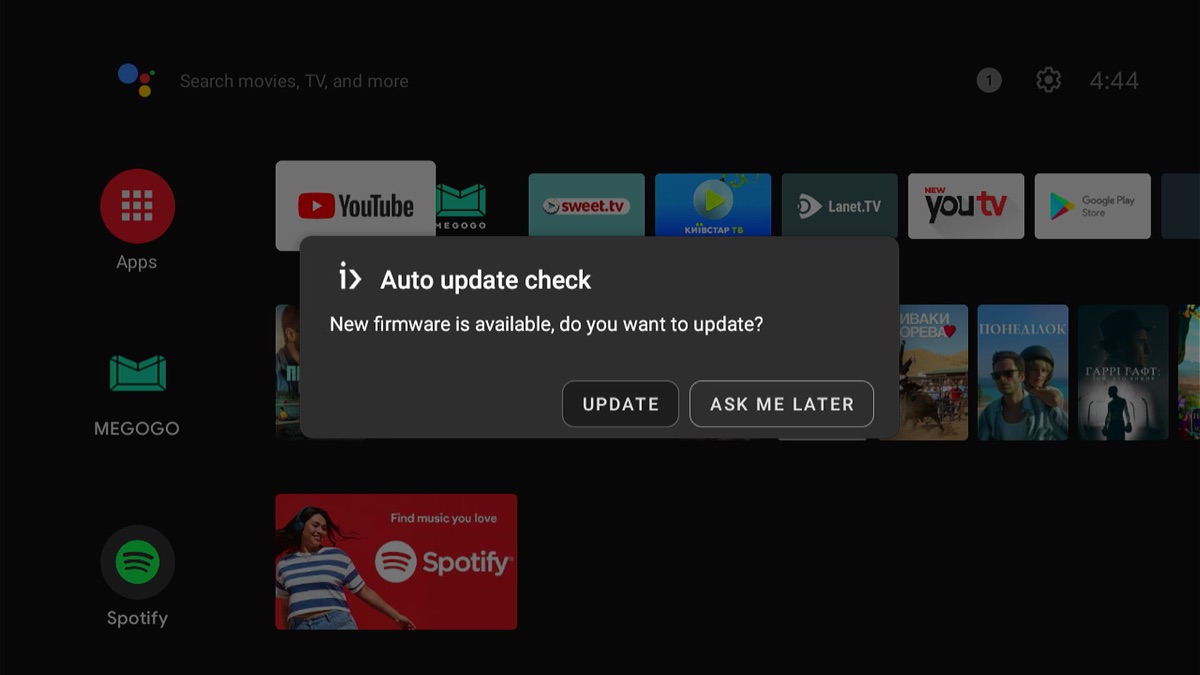
Automatic check for updates: an information message will appear in the menu. Click "Update".
-
Online update: a new version of the update is available and ready for download. Click "Update".
-
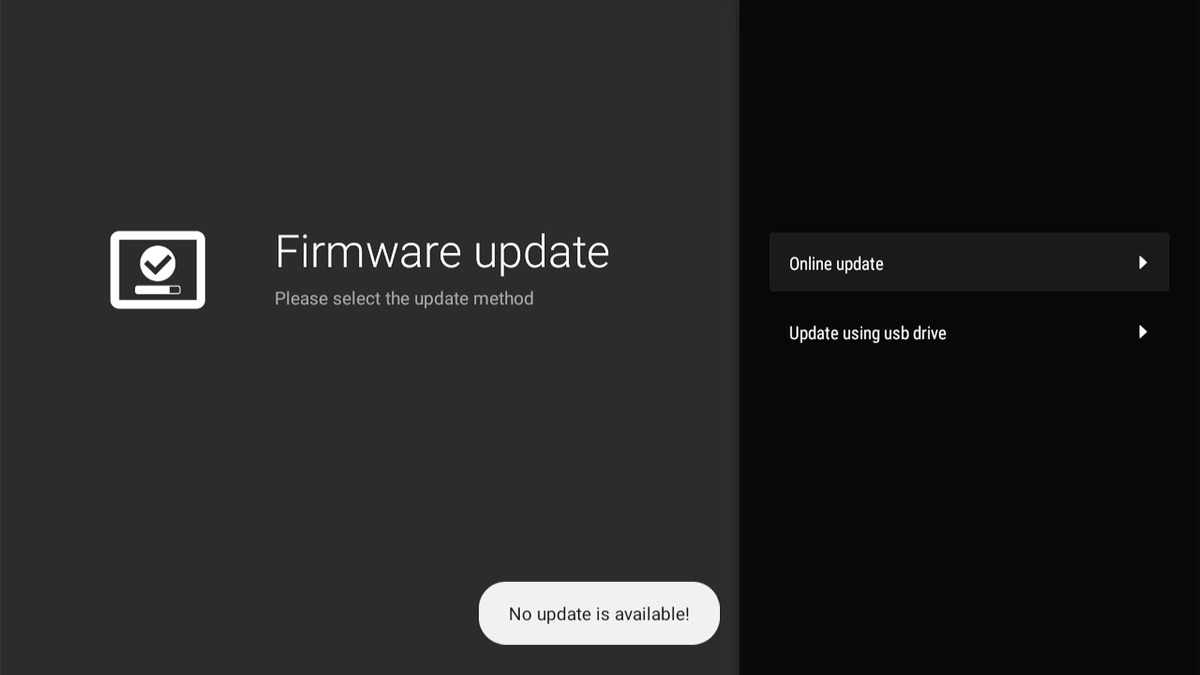
Check the firmware version: after downloading and updating, which takes 5 to 15 minutes (about 7 minutes on inext TV5), go to the system settings. If no new versions are found, the latest firmware is installed on the device.
-
Congratulations! You have successfully updated your inext set-top box.