
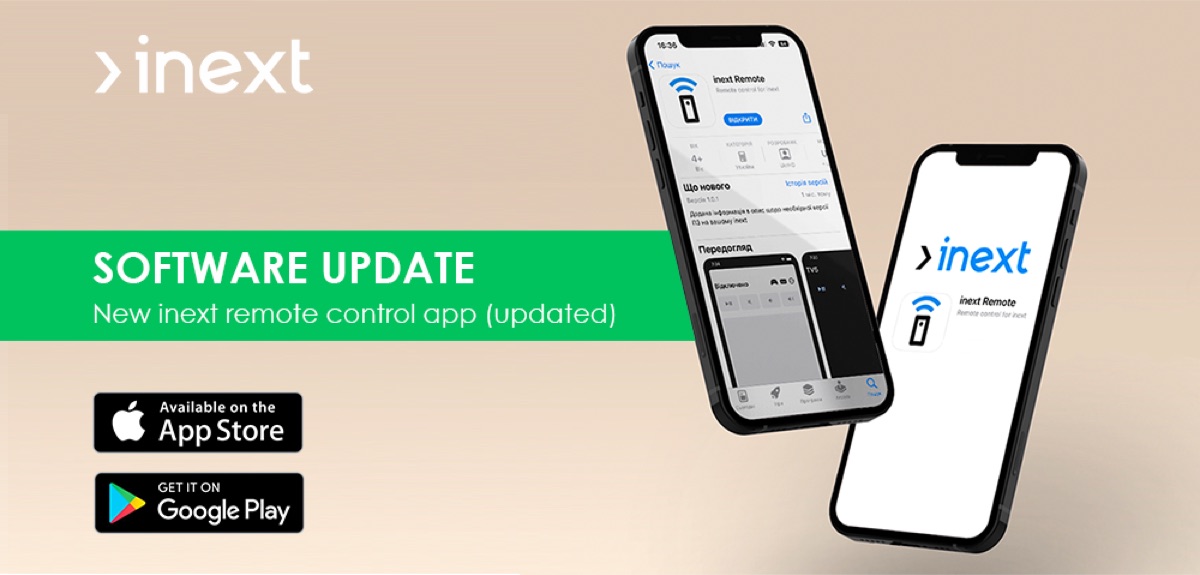
We would like to present the brand-new inext remote control application for controlling inext media players using smartphones based on the Android operating system. From now on, managing your smart set-top box has reached a new, higher-quality level.
inext remote control
Link to download the app from Google Play Market: https://play.google.com/store/apps/details?id=ua.inext.tvremote
Link to download the app from the Apple App Store: https://apps.apple.com/ua/app/inext-remote/id6444906559?l=uk
Read more: Please, welcome our new product – inext remote control application!
The application allows you to
- Control inext devices using your Android-based smartphone;
- Use voice dialing or the keyboard for quick search;
- Enter text more easily with your mobile keyboard;
- Use your phone as a gamepad for your favorite games on TV;
- Choose an eye-friendly application theme: light or dark.
Convenient to use
The inext R&D team is constantly improving the end-user experience with inext media players. The ability to control the device through an Android application on a smartphone is another step towards more comfortable use of inext set-top boxes. Voice dialing, a touch keyboard, a gamepad — all of those are modern tools for every smartphone owner. Therefore, integrating these functions into the inext media player remote control app became a logical step on the way to improving inext services.